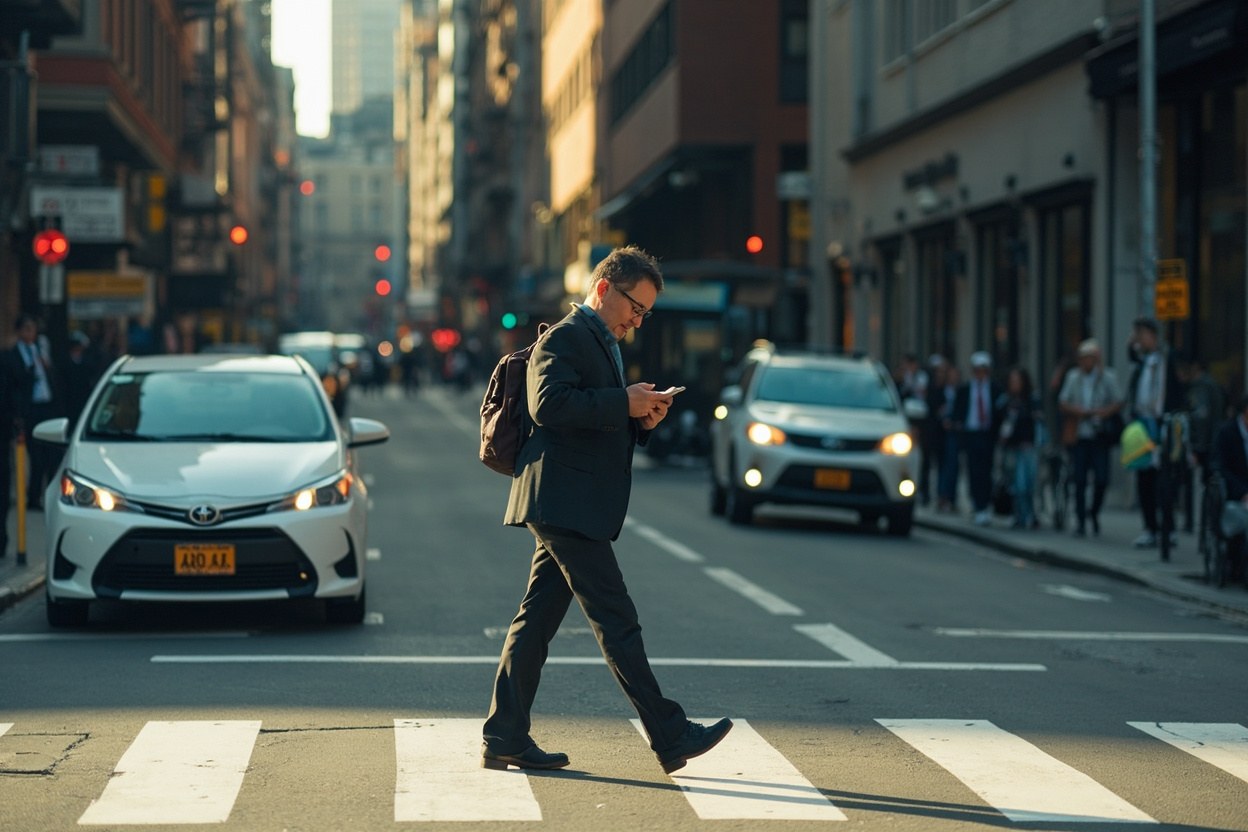
Texts and calls
The Geo-Fencing Password Reset Scam
Updated 11 November 2026
The costly assumption is that a password reset alert knows where you are and is already acting to protect you. Scammers can combine location clues, urgency and a convincing sign-in page to steal an account before you notice anything is wrong.
The alert that knows where you are
The message arrives by text, email, or a pop-up and says something along the lines of: “We noticed a sign-in from a new location and locked your account. Reset your password within 30 minutes.” It may name your phone, a city, a service you use, or even the distance from a familiar place. That detail does not prove the sender can see your live location. It may simply come from data leaked through an earlier breach, guessed from your area code, inferred from time zone, or recycled from a marketing profile.
What makes the attack persuasive is the combination of apparently useful information and manufactured urgency. The sender may know the name on your account, your approximate location, and the logo and wording used by a familiar company. Public screenshots of genuine alerts can also give a scammer a template. Your first task is therefore not to identify every hidden clue. Your first task is to stop interacting with the message.
“Geo-fencing” is the security term for restricting access according to physical location. A genuine service might use location checks when signing in from an unfamiliar place. That does not mean a scammer needs valid location access to imitate one. A blank profile, compromised email inbox, breached retailer account, or shared family address may be enough to make a warning feel personal.
The most dangerous version creates a loop. You request a reset, land on a copy of the real website, and enter the password or one-time code you just received. The fraudster captures both. They then use your session or recovery details to take over the account, change the email address, add their own security key, and lock you out.
Treat an unsolicited location alert as unverified. The company may indeed have restricted an account, but you do not need the link or phone number in the message to find out. Close it and use the official app, bookmarks, or a manually typed web address.
The tells that expose the location story
The link does not belong to the company. Look at the actual destination, not the display name shown before it. On a phone, long links can conceal the real domain. A name such as “Account Security” may sit above a destination that ends in a different domain, a misspelled brand name, or a newly registered address. If the message pressures you to act before checking, that is enough to discard it.
The alert asks for information the service should already hold. A genuine sign-in warning usually identifies the device, service, approximate event, and time. It does not need you to “verify” your full password, card number, recovery phrase, or a code sent to your phone. Be especially wary of pages asking for a password plus a six-digit login code. That pairing is a credential theft request, even when the page looks exact.
The location is oddly vague or unusually precise. “A sign-in from Manchester” can be copied from public information. “A device was detected 200 metres from your home” can be generated theatre. Precision is not proof of surveillance. It may also be a mistake caused by stale account records, a shared address, or data about a former household member.
There is a new deadline on every message. Scammers often impose 15 minutes, one hour, or 24 hours to stop you checking. Account companies may temporarily restrict access, but they still want you to use a known route to recover it. A deadline is a pressure tactic, not evidence of authenticity.
It arrived through the wrong channel. You may receive a reset email that mimics a text alert, or a social-media message claiming to be a carrier. One channel does not automatically validate another. Open the app that matters rather than replying to the incoming message.
Do not call a number supplied in the alert unless you independently verify it through the company's official website. Searching for a supposed “support line” can itself surface sponsored fraud pages. Navigate to the service directly, then use the support option shown there.
Also consider what the target account unlocks. An email account can contain password resets for many other services. A compromised phone account can expose one-time codes. A cloud storage account may contain identity documents and recovery keys. This is why an apparently minor reset lure deserves the same caution as a direct request for money.
What to do in the first ten minutes
First, stop interacting. Do not tap the link, reply, call the sender, scan a QR code, open an attachment, or enter a code. If you entered information into a fake page, do not keep testing forms on that page. Move to the real account and begin recovery there.
Second, open the official app from your home screen. If you do not have the app, type the service's known domain yourself or use a trusted bookmark. Check for security notices after signing in. If the account is locked, use the genuine “Forgot password” or “Account recovery” process. Reset the password to something long and unique. Do not reuse a password that appeared anywhere in the fake form.
Third, revoke active sessions. Look for a list of signed-in devices, recent activity, connected apps, forwarding rules, delegated access, and recovery contacts. Remove anything unfamiliar. If the attacker changed the account email or phone number, put that right using the genuine recovery workflow. Then add or confirm multifactor authentication, preferably with an app or security key rather than SMS where those options are available.
Fourth, protect the accounts that can reset the targeted one. Change the password on the associated email account. Review its recovery email, phone number, app passwords, and forwarding rules. If the target was a phone or cloud-storage account, rotate any credentials or recovery codes stored there. This sequence matters because restoring access to a secondary account can undo your work otherwise.
Fifth, report the suspicious message through the service's official phishing-reporting route. If money was entered, contact your bank immediately and ask about a payment hold or recall. If identity documents were uploaded, follow the relevant identity-theft guidance and consider placing a fraud alert with a credit reference agency. Record times, screenshots, domains, and the actions you took so a bank, provider, or police report has a clear timeline.
Never destroy evidence too early. Save the original message, the sender details, and the web address used by the fake page. Report it, but do not forward the live link to friends or colleagues as a warning. Describe the scam in words instead.
If you entered your password
Assume the password is exposed. Change it from the real account page, not through a link in the alert or in a reply from the company. Make sure the new password is genuinely different from the old one and from every other service. A password manager can generate and store it without inventing variations that are easy to guess.
Check the inbox for signs that the attacker is still active. Look for password changes, new recovery addresses, altered forwarding rules, inbox rules that delete security messages, unknown app passwords, and sign-ins from unfamiliar locations. Remove those changes and revoke suspicious sessions. Search for messages sent from the account, particularly to contacts asking for money, codes, gift cards, or urgent help. If any were sent, contact those recipients directly using a trusted channel.
If you entered a one-time code, speed matters. Change the password immediately and revoke sessions. The code may already have authorised a sign-in, and another code could help the attacker maintain access. Also check whether the fake site captured the code before you changed anything, since that can affect what the provider sees in its logs.
Some attackers take a federated route. Once they control an email account, they can request resets for banking, shopping, social media, and workplace systems. List the important accounts linked to that email address and visit each one directly. Prioritise email, banking, cloud storage, social media, and any employer account containing payroll or customer data. A calm, methodical recovery is more useful than repeatedly reacting to every new alert.
Tell someone you trust if the account may contain personal documents, intimate material, or business records. A second person can help spot suspicious messages while you secure the account. Do not pay an “unlock” service advertised by the scammer. There is no need to unlock anything through a stranger after you regain control through the real provider.
The law, reporting and reimbursement
In the UK, Action Fraud can receive reports of online fraud and cyber-enabled crime. You can report through its official service and follow the guidance linked from the National Crime Agency. For fraud involving a bank or payment, contact the provider quickly. The Payment Services Regulations can give consumers a route to dispute unauthorised electronic payments, but eligibility and deadlines depend on the facts, the payment type, and whether the payment was authorised. The Financial Conduct Authority's official information explains the APP reimbursement process for Faster Payments and other arrangements, with £100 protection available in qualifying cases where the consumer has not been grossly negligent and has notified the bank promptly.
Do not promise a refund. A scammer may have used convincing payment wording, or the payment may have been authorised in a way that changes the analysis. Ask the bank what it can do and what evidence it needs. If you sent money to a high-risk payment method or received demand-and-refund payment requests, say so plainly. Relevant deadlines may be short.
US residents can report internet fraud to the Federal Bureau of Investigation's Internet Crime Complaint Center and use the official identity-theft recovery resources from the Social Security Administration when appropriate. Consumer financial institutions also have their own fraud-reporting and dispute processes. The practical principle is the same: report soon, preserve records, and ask for the specific next steps available in your country.
Companies have duties to investigate suspicious account activity and protect account security, but that does not make every loss recoverable. Your strongest position is an early report, a timeline, and evidence that you did not knowingly approve the payment. Do not miss reporting windows while waiting for a perfect forensic conclusion.
Finally, remember that “the alert knew my location” is not the conclusion. The alert may have guessed, reused leaked information, or displayed a location already stored against the account. You do not need to solve a technical mystery before deciding whether a message is safe. A genuine provider's security page will remain available after you close the suspicious alert.
Make the next reset alert boring
Reduce the amount of information attackers can recycle. Keep email addresses and phone numbers current through the real account settings, but use unique aliases for services that do not need your main address. Remove old family members, former phone numbers, unused recovery addresses, and obsolete app passwords. Review connected applications and sign-in history every few months, not only after a warning.
Use a unique password for every important account and store it in a password manager. Turn on the strongest multifactor method the service supports. App-based codes or passkeys are generally more resistant to phishing than SMS codes. A security key is useful for a primary email account if it is supported. Keep recovery codes offline or in a secure place separate from the device used to sign in.
Learn to recognise the first genuine alert for the services you care about. Most providers will mention the service, give broad location information if relevant, and let you inspect activity in the app. Save the official account-recovery page in your bookmarks. That gives you a trusted route when a fake alert says you have no time.
Update your phone and browser, and remove browser extensions you no longer need. If you use a shared or compromised device, sign out and clear the browser profile carefully, then check for malicious software. Do not rely on a pop-up scanner that asks for personal information. MalwareZero's security guidance can help you distinguish a fake page from a genuine provider, but the safest response to an unsolicited reset message remains simple: close it, go directly to the account, and verify there.
Quick answers
- Can a scammer really know my location from one text?
- Sometimes, but not always, and they often use leaked, guessed, or previously stored information rather than live tracking. Treat even an accurate location detail as unverified and check through the official app or website.
- I clicked the link but did not enter anything. Do I need to reset my password?
- Close the page and avoid further interaction. Changing a password is prudent if the link exposed you to a genuine credential-stealing exploit, but most fake reset pages cannot capture anything unless you enter details or approve a code.
- I entered the code from the reset text. What now?
- Change the password through the real account page, revoke active sessions, remove unknown recovery details, and protect the linked email account immediately. Report the incident to the provider and your bank if any payment details were entered.
- Will the company refund me if the alert included my real city?
- An accurate location clue does not itself determine reimbursement. The provider, payment method, authorisation facts, prompt reporting, and evidence will matter, so contact the bank promptly and ask about the available dispute process.
This is general safety information, not legal advice. Scams change. If you need an official desk: FTC ReportFraud or IC3.