Tool
Check a QR code without scanning it
Updated 6 September 2026
QR checker
Tap to take a photo or choose an image
or drag a picture of the QR code here
No photo? If a web address is printed near the code, paste it here instead:
Decoding stays in this browser. A clean result means no obvious tricks, not a guarantee. We will not upload the image.
Take a photo of the code with your phone, or drag an image in below. The decoder runs entirely in your browser, so the image never leaves your device, and your phone never visits the link. You just get to see where it goes and whether the address looks like a phishing setup.
Why check instead of scan?
Because scanning happens fast. The camera reads the code, your phone shows a shortened preview of the address, and your thumb is on "open" before you've read it. QR phishing (the industry calls it quishing) works precisely because the address is hidden inside a square of pixels, and because a printed card feels more trustworthy than an email. Google's fraud advisory from June 2026 lists QR phishing among the scam categories still gaining ground, partly because a code on paper slips past every spam filter you have.
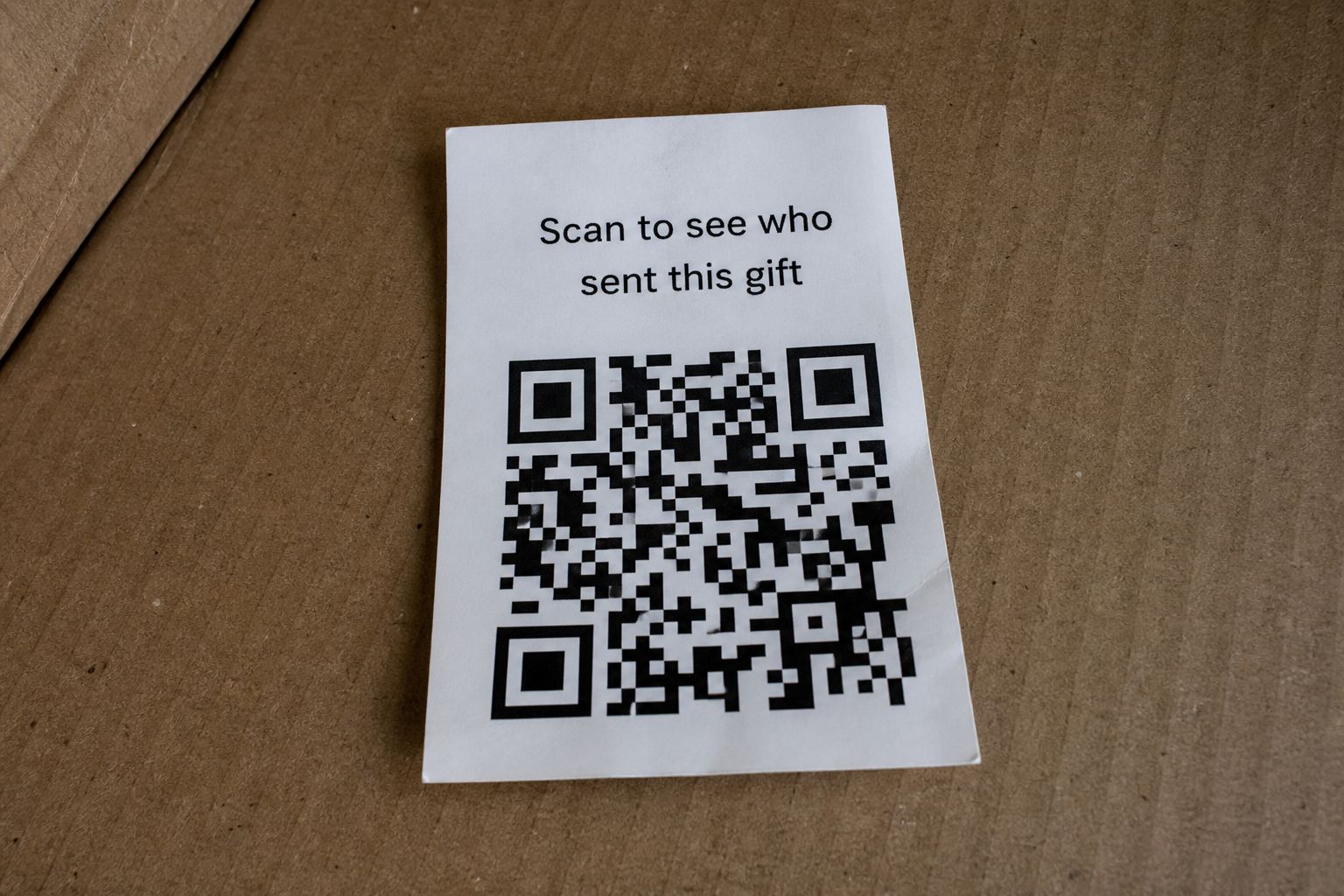
The FBI put out an alert in July 2025 specifically about QR codes arriving inside unsolicited packages. If that's what brought you here, read what those packages actually are. The short version: the package is bait, the code is the hook.
What a bad result looks like
The most common pattern is a real brand name sitting on a fake domain. Something like amazon-giftclaim.top. Your eye catches "amazon", your brain relaxes, and the actual domain, the part that matters, belongs to someone who registered it last Tuesday for two dollars.
The checker flags this pattern hard, along with link shorteners, which are legitimate tools that scammers love because they hide the destination completely.
If you already scanned it
Take a breath. Merely scanning, and even briefly opening a link, is usually survivable. What matters is what happened next: whether you typed anything in or installed anything. Here's the step-by-step for exactly that situation.
Privacy note: this page contains no analytics and the checker sends nothing to any server. You can verify that with your browser's network inspector, which will show zero requests after the page loads.
Quick answers
- Does the photo leave my phone?
- No. Decoding stays in this browser.
- I only have a printed web address.
- Paste it in the box under the drop area. Same checks.
This is general safety information, not legal advice. Scams change. If you need an official desk: FTC ReportFraud or IC3.