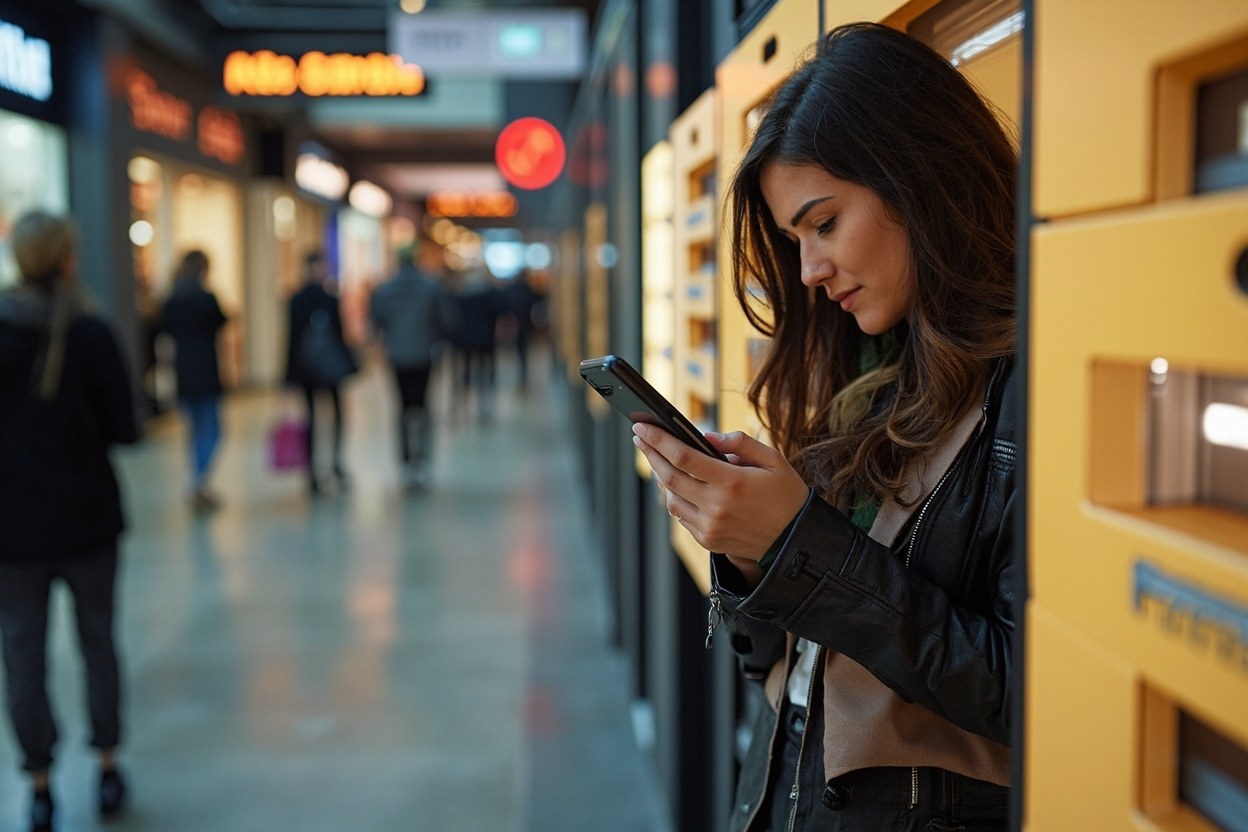
Texts and calls
Amazon Locker Phishing Text Scam Explained
Updated 10 November 2026
You assume the text is about a parcel you genuinely ordered, so you tap the link before checking. That assumption is what turns a fake Amazon Locker message into stolen card details, account access or a convincing payment demand.
The tell is a delivery notice that wants you to leave Amazon
You may receive a text claiming that a parcel is waiting at an Amazon Locker, that a delivery has failed, or that you must pay a small outstanding fee to release it. The message may mention a collection code, a map pin and a deadline. It may even copy the branding of a local delivery company or use a shortened Amazon address.
The giveaway is the route it gives you. A genuine notice should not send you to an unfamiliar domain to enter card details, verify a payment or confirm your Amazon password. If you arrive through the Amazon app or by typing amazon.co.uk yourself, you can check whether the message, order or collection code is real without trusting the link.
Amazon Locker collection normally involves receiving a legitimate notification and following the instructions inside the relevant order or account. A message may vary by country, carrier and service. Scammers exploit that uncertainty by making the next step look urgent, but urgency is not proof that the parcel exists.
Do not use a phone number in the message to check the situation either. Fraudsters can arrange call forwarding, publish convincing numbers or impersonate the company you were expecting to contact. Close the text, open the official app or website independently and look for the order yourself.
What the link can take from you
A fake Amazon Locker page may imitate a delivery screen, a map or a payment form. Some links lead to a convincing sign-in page that records your email address and password. Others ask for card details, a billing address, a one-time code or personal information. The page may reload or display a false error so that you try again while the information is already being collected.
Amazon accounts are valuable because one account can expose saved addresses, payment methods, order history and digital services. If you entered your password, change it immediately. If the same password was used elsewhere, change it there too. Sign out of other sessions, review active devices and check whether multi-factor authentication is enabled in your account security settings.
If you entered card details, contact your bank using the number on the back of your card or in its official app. Ask the bank to check the transaction and explain what has happened. Do not rely on a phone number supplied by the scammer, even if it appears to belong to Amazon.
If you approved a bank payment or entered a genuine one-time code, contact the bank quickly. The bank may be able to stop a pending payment or dispute a transaction, although the outcome depends on the facts and timing. Continue to monitor your account for further attempts. A password reset does not recover money already sent, so contact the bank as well as Amazon when both credentials and payment information have been exposed.
Check the order, then report the message
Start with the Amazon app or type amazon.co.uk yourself. Look under your orders, returns and messages. If the order is genuine, check its delivery status and follow any collection instructions there. If Amazon says no such order or parcel exists, treat the text as fraudulent even if it includes a plausible tracking number and collection code.
You can also check the official tracking page for a delivery company named in the text. Again, use a known website or app rather than a link or search advertisement provided by the sender. A genuine tracking record should agree with the order, carrier and destination details. Scammers may use real tracking numbers copied from unrelated shipments, so agreement on one field alone is not enough.
Report suspicious texts in the UK through Action Fraud. You can call 0300 123 3200 if you have lost money or if the message is threatening, demanding immediate payment or asking for sensitive information. If you are in Scotland, call Police Scotland on 101. Police Scotland and Action Fraud advise reporting fraud in Scotland to Police Scotland because it can affect police statistics.
You may also forward the message to report@phishing.gov.uk. Take a screenshot first so that you have evidence of the number, wording and date. Reporting the text helps providers and authorities investigate it, but it does not remove it from your phone or reverse any loss.
Delete the message after preserving the evidence and reporting it. Do not reply. A reply confirms that your number is active and can prompt follow-up attempts. Block the sender if your phone allows it, but do not assume that blocking proves the scam has stopped. Watch for new calls and texts connected to the same delivery, account or payment theme.
You clicked, now secure the account
Close the page and do not continue if you are still on it. Check whether the link triggered a download, especially if your phone warned you before opening it. Update your phone software and remove anything you installed without deliberately choosing to install it. If you entered your Amazon password, go directly to Amazon's account security page through the app or a site you typed yourself. Change the password, review signed-in devices and enable multi-factor authentication.
Check recent orders, saved payment methods, addresses and messages for misuse. Amazon may freeze or investigate an account when it detects suspicious activity. If you find an order you did not place, report it through Amazon's official support route and contact the bank if a saved card was charged.
If you sent money through a bank transfer, a gift card or an instant payment app, contact the provider immediately. Recovery is less likely once the funds have reached the recipient, but a prompt report may still help the provider trace or recall the payment. Never pay an alleged recovery agent who promises to retrieve the money for a fee. That creates a second scam.
Your priority order is simple: stop interaction, contact your bank if payment information or money is involved, change reused passwords, review Amazon activity, and report the incident. Do not spend time arguing with the sender. Every message gives the scammer useful information about what you have already done.
Quick answers
- Can Amazon send a genuine text about an Amazon Locker?
- Yes, services and notifications can vary, so a legitimate message is possible. Check the order inside the Amazon app or official website rather than trusting the text link.
- How can I tell whether a tracking number is real?
- Check it on the delivery company's official site and compare the carrier, order and status details. Fraudsters can copy real numbers, so a tracking result alone does not authenticate the message.
- I entered my Amazon password. What should I do first?
- Change the password through the Amazon app or official website, sign out other sessions and enable multi-factor authentication. If you used the same password elsewhere, change those accounts too.
- Will reporting the text stop the scammer contacting me again?
- No guarantee, but reporting it, blocking the number and watching for related calls can reduce the risk. Do not reply, and treat any follow-up asking for money or codes as suspicious.
This is general safety information, not legal advice. Scams change. If you need an official desk: FTC ReportFraud or IC3.