About us
How to remove yourself from FastPeopleSearch
Updated 6 September 2026
This is the opt-out worth doing first. It runs through one page, fastpeoplesearch.com/removal, and the part people get wrong is the end of it: the form doesn't delete you, the link in the confirmation email does. Click that and most records disappear within an hour. The site's stated ceiling is 72 hours. It costs nothing.
No account, no phone call, no fee. As people-search opt-outs go, this is one of the least painful. Low bar, but I'll take it.
Why this is the one to do first
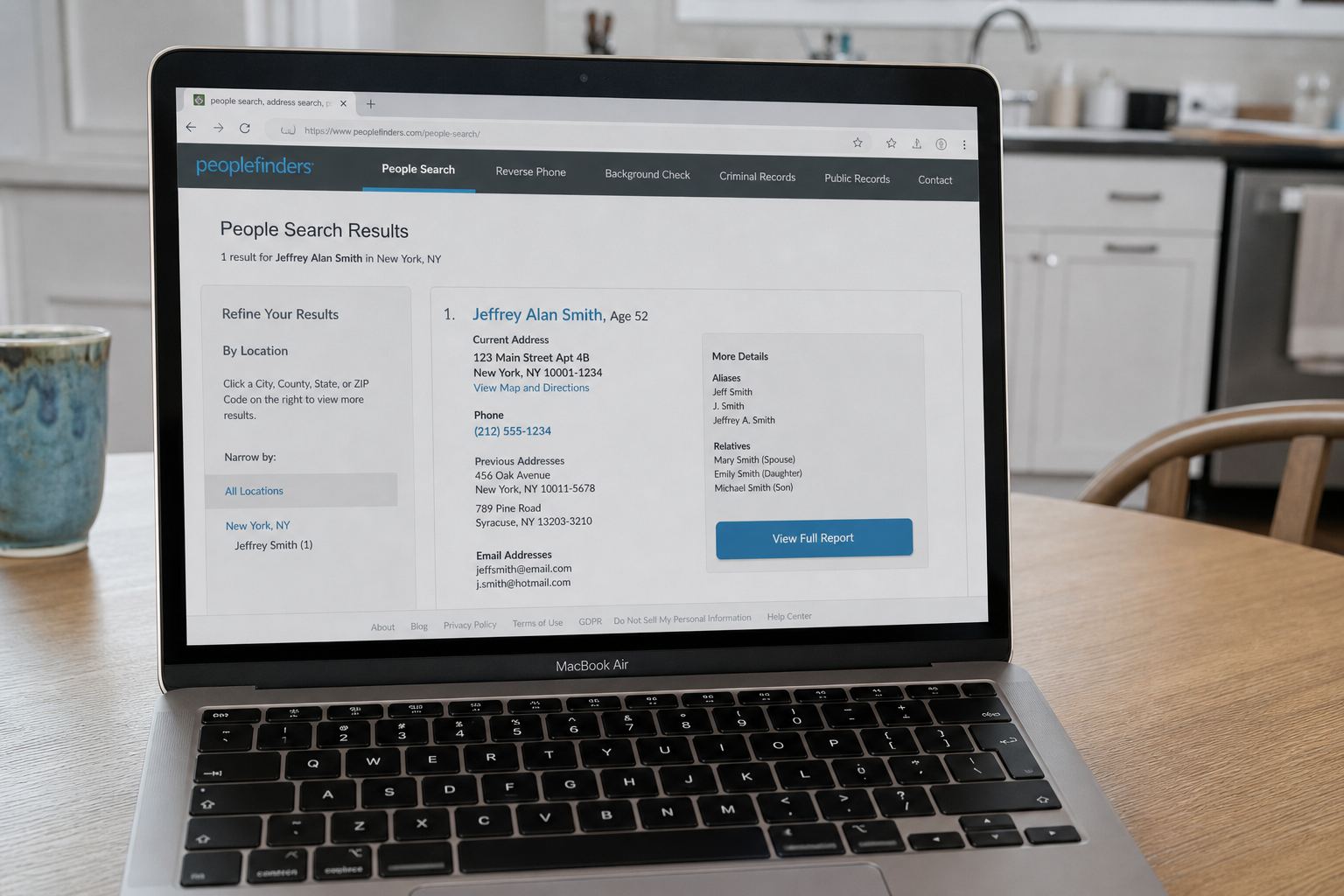
FastPeopleSearch shows your current address, previous addresses, phone numbers, age, and the full names of your relatives to anybody who types your name in. No login. No payment. That's what separates it from the paid background-report sites, where at least a credit card sits between a stranger and your front door.
So if you only have the patience for one removal this week, make it this one. MyLife is the other free listing that tends to rank under your name in Google, and it's a reasonable second stop.
From search result to confirmation email
- Search your name and state at fastpeoplesearch.com and open your own record. Confirm it's actually you by checking the age and the listed relatives, because common names collide constantly.
- Copy the record's URL out of the browser bar. You'll want it now and again later if you have to follow up.
- Go to https://www.fastpeoplesearch.com/removal. Some guides point at /optout, which resolves to the same place.
- Enter your email, tick the statement confirming you're the person in the record, and clear the CAPTCHA. That CAPTCHA is genuinely bad and may need two or three attempts.
- Find your listing, open "View Free Details", then click the red Remove My Record button.
- Open the email that arrives and click the button reading "Click here to remove" followed by your name. Nothing at all happens until you click it. This is where most abandoned opt-outs die.
Use an email address you'll still have access to in a year. If the record returns, having the original thread makes the follow-up much quicker.
Check for duplicates before you close the tab
One person often has three or four separate records. One under a middle initial, one under a maiden name, one still attached to an address from 2011. Removing a single record doesn't touch the rest of them. Search variations of your name and search your old cities too. Each record needs its own trip through the form and its own verification email.
There's no working phone route
Don't burn an afternoon hunting for a support number. Removal here is web form only, gated behind email verification, and the accounts of useful phone support are old. If the form truly fails, retry from a different browser with your ad blocker switched off, or use the California route below if you qualify.
The look-alike sites, and what I couldn't confirm
Everybody asks the same question here. Does removing yourself from FastPeopleSearch also clear you from TruePeopleSearch, SearchPeopleFree, ThatsThem, USPhoneBook, ClustrMaps, and the rest of the near-identical free lookup sites? It doesn't. Not one of them.
What's observable is that these sites draw from the same upstream pool of public records and commercial data suppliers. That's why the results look so similar and repeat the same mistakes, right down to listing a "relative" who isn't related to you at all. What I could not confirm today is common ownership between them. People state it very confidently online, and I didn't find a source I'd be willing to stand behind, so I'm not going to repeat it as fact.
The practical upshot doesn't change either way. Every one of those sites needs its own opt-out, submitted separately, each with its own verification step. Set aside about an hour if you want to clear the free tier of them properly. It's dull work and there's no shortcut, unless you're in California.
Californians should use DROP as well
California's Delete Request and Opt-Out Platform has been taking consumer requests since January 1, 2026, at consumer.drop.privacy.ca.gov. You prove residency through the California Identity Gateway or Login.gov, build a short profile, and send one deletion request to every data broker registered with the state, currently upward of 600.
Here's the part that only just became real. Since August 1, 2026, registered brokers have been legally required to check DROP at least every 45 days and work through the queue, with fines of $200 per day per violation for ignoring it. Requests submitted earlier in the year were parked until that date arrived. If you're Californian, do both: DROP is wide but slow, and the FastPeopleSearch form is narrow but nearly instant.
If you're outside California, DROP won't take you. Several states run data broker registries, but I'm not aware of another that gives consumers a single deletion switch yet.
Expect it to come back
Removal isn't permanent, because the underlying records aren't going anywhere. County property filings, voter rolls, utility connections, and rented marketing lists keep feeding the machine, and the site rebuilds from them. Moving house is the most reliable way to generate a fresh listing about yourself.
Re-search yourself every six months. I'd also be a little skeptical of paid removal subscriptions. Most of them automate the same free forms you just filled in by hand, and they can't stop a record from being recreated any more than you can.
What this actually protects you from
Not identity theft, mostly. Your address and phone number were never really secret, and a determined fraudster has better sources than a free lookup site. What removal reduces is casual targeting. The stranger checking you before a first date. An ex. Someone who wants a list of your relatives' names and doesn't want to work for it.
Those relative names matter more than the address does. They're what makes an impersonation call sound convincing, which is why agreeing on a family safe word is a better use of ten minutes than any opt-out form. A public address is also why unordered parcels turn up on doorsteps, and that's worth understanding before you toss one in the recycling, because brushing packages frequently include a small card with a QR code that you should not scan.
So do the form, put a reminder six months out, then go and talk to your mother, or whoever in your family is likeliest to pick up an unknown number. Tell her this: her name and yours are printed side by side on sites like this one, so a caller who knows both has proved nothing at all, and if a voice claiming to be you ever asks her for money, she should hang up and ring you back on the number she already has. That warning will protect her more than the form you just filled in.
Quick answers
- Why is my whole household there?
- They match addresses. Only opt others out if they asked you to.
- Will it stay gone?
- Often not forever.
This is general safety information, not legal advice. Scams change. If you need an official desk: FTC ReportFraud or IC3.