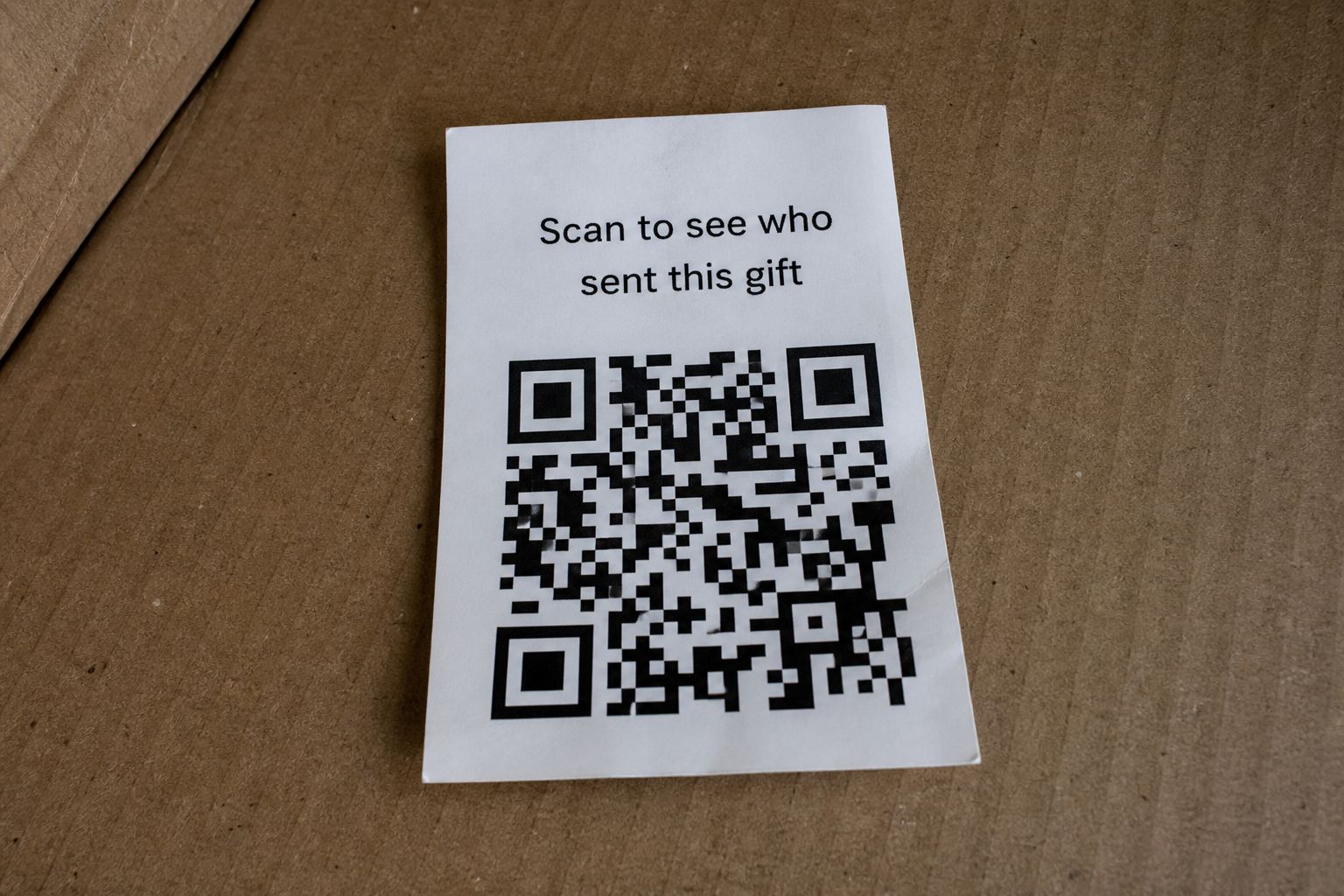
QR codes
You scanned it. Take a breath, then work down this list.
Updated 6 September 2026
First, the honest version of the risk, because panic makes people skip steps. Scanning a QR code, by itself, did not hack your phone. Even opening the page it pointed to almost certainly didn't, if your phone is reasonably up to date. The scan showed the scammer nothing about you beyond a page visit. What matters is everything after the page loaded. Find your situation below and do those steps.
You scanned, looked at a page, and closed it
You're almost certainly fine. Close the tab, and don't go back to it. Two small cleanups worth doing: check your phone hasn't downloaded any file you didn't expect (look in your downloads folder), and if the page asked for camera, location, or notification permissions and you tapped allow, revoke that in your browser's site settings. That's it. Report the source at ic3.gov if it came from a package you didn't order, and carry on with your day.
You typed in a username and password
This is the situation that actually needs speed. Whatever account those credentials belong to, change that password now, from a device you trust, going directly to the real site rather than any link. If you reuse that password anywhere else, change it there too, because credential lists get tested against every major service within hours.
Then turn on two-factor authentication if it wasn't already on. If the account is email, treat it as urgent above everything else: your inbox is the master key that resets all your other passwords. Check the account's recent activity or sign-in history for sessions you don't recognize, and sign out all other devices if the option exists.
You entered card or bank details
Call the number on the back of the card and tell them the card number was phished; they'll kill the number and reissue. This is routine for them, ten minutes for you. Watch the account for small test charges (scammers verify cards with a dollar or two before selling them). In the US, also consider a free credit freeze with the three bureaus if you handed over more than the card itself, like your date of birth or SSN. A freeze is free, takes minutes online, and blocks new accounts being opened in your name.
You installed an app or a file
The one genuinely serious scenario. Uninstall it immediately. On Android, run a Play Protect scan (Play Store, profile icon, Play Protect), and if the app asked to become a "device administrator" or accessibility service, remove those grants before uninstalling, because some malware uses them to resist removal. Change your important passwords from a different device, not the possibly infected phone. If anything still behaves oddly (battery drain, unfamiliar prompts, texts you didn't send), back up your photos and do a factory reset. A reset sounds drastic and costs an evening; it's also the only answer you can fully trust once unknown software has run on the device.
You paid a "fee"
Contact your bank or card issuer and dispute it as fraud. Small "shipping" or "activation" fees are recoverable more often than people assume, especially on credit cards. What the scammer actually wanted was the working card number, so the reissue in the section above matters more than the few dollars.
Afterward
Two quiet follow-ups. First, your name, address, and phone number were probably on a resold list before this even happened (that's how the package found you), and pruning yourself from data broker sites shrinks the next attack too, not just this one. Second, expect follow-up contact: a call from your "bank's fraud department", a text about the incident. Treat any inbound contact about this event as hostile, hang up, and dial the real number yourself. If a caller ever sounds exactly like a family member in trouble, that's its own scam category, and a family safe word is the defense.
Quick answers
- The phone feels slow now.
- That is usually panic, not a virus. Still skip any download they sent.
- I entered a one-time code.
- Change that account password and turn on alerts.
This is general safety information, not legal advice. Scams change. If you need an official desk: FTC ReportFraud or IC3.