
Texts and calls
The Port-Out PIN Request Text, October 2026 (47ch)
Updated 18 October 2026
You assume the text is from your own phone company because the wording looks like the kind of routine security nudge you have seen a dozen times. That assumption is what the sender is counting on, because the six-digit code they want is the one that hands your number over to a new SIM in a stranger's phone. Once that swap completes, your bank, your email and every SMS-based login stop reaching you, and start reaching the person who just took your number.
What the port-out PIN text actually says
The hook is short, plain and built to feel administrative. You might receive a text that claims to be from Verizon, AT&T, T-Mobile, EE, O2, Vodafone, Rogers or Bell, and it reads something like: "We detected a port-out request on your line. To confirm this is you, reply with the 6-digit PIN we sent to your phone." Another variant arrives without a PIN prompt and simply says: "A port request has been submitted. If this was not you, call us immediately at the number below." The number below, of course, is not your carrier.
Some versions lean on urgency. "Your number will be transferred in 1 hour. Reply with your account security code to cancel." Others lean on politeness. "Hi, this is the fraud team. We just need to confirm your account PIN so we can stop an unauthorised port." The tone varies, but the goal is the same. They want either your account PIN, the one-time code your carrier sends by SMS, or a one-time password that was generated seconds ago and is now sitting in your messages.
What the real version looks like depends on the carrier. A genuine port-out confirmation from a major US or UK carrier will not ask you to type a code back into a text thread. It will say a port request exists and it will tell you to log in to your account or call the number printed on your bill, not the number inside the text. A genuine carrier will also already know your PIN, because it issued it. The entire premise of the message is a fiction.
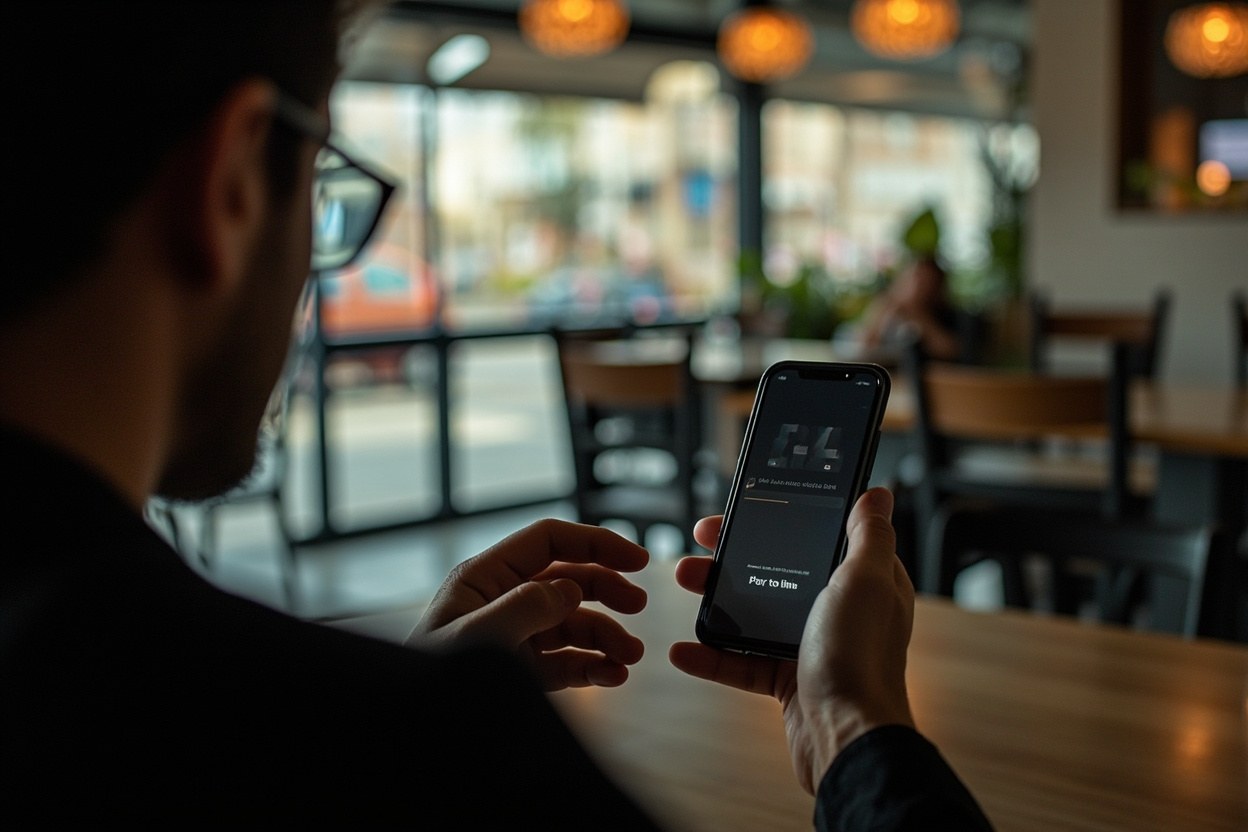
Why the port-out PIN is the key to everything else
SIM swap fraud is the middle of the scam, not the start. A fraudster who has your number controls every text-message-based second factor you have set up, which in 2026 includes the codes for your bank, your email, your crypto exchange, your payroll login, your cloud storage and a long list of workplace tools. They also control the password-reset texts sent to you by services that use SMS as a recovery channel. Anyone who has your username and password, or who can guess it, is now inside those accounts within minutes.
Industry trackers describe SIM swap losses as a small share of fraud reports by volume but a disproportionate share of losses by value. The FBI's Internet Crime Complaint Center has reported that SIM swapping accounted for tens of millions of dollars in adjusted losses in recent years, and the UK Action Fraud database has logged a steady stream of cases where the entry point was a single text message. October 2026 has produced a fresh wave, with the messages rebranded to look like carrier fraud-team language rather than the old "your account is suspended" template.
The trick that makes the new variant more dangerous is the move from a fake login page to a fake in-message code request. Earlier SIM-swap setups pushed you to a phishing site that mimicked your carrier. The new text asks you to type the code directly into the SMS thread, which bypasses the URL check that some readers had learned to do. If you have been trained to look at the link, the new scam does not give you a link to look at. It just asks.
What your real carrier will and will not ask by SMS
Every major carrier has a published security policy, and the policy is consistent. Your carrier will never text you to ask for your account PIN. Your carrier will never text you to ask for the one-time code it just sent you. Your carrier will never ask you to reply with a password, a mother's maiden name, the last four digits of your Social or National Insurance number, or a one-time passcode. If the carrier genuinely needs to verify you, it will route you to the app, the website, or a number printed on your last bill.
There are narrow exceptions. A carrier may send a one-time passcode by SMS so you can complete a port you started yourself. In that case the code is for you to type into your carrier's own app or website during a process you initiated. The code is not for you to read back to a person on the phone or send in a reply text. If a port was started by someone else, your carrier's standard response is to flag the request internally, suspend the transfer pending identity checks, and contact you through the channels on file, not through a fresh SMS thread.
You can also set a port-out PIN yourself through your carrier account, which means you are the one who picks it. If you never set one, your carrier may use a default or skip the field, depending on the region. The point of the scam is that the text is offering to verify a port that no carrier has the right to verify over SMS in the first place. The question it asks is not a question any real fraud team would need to ask.
How the swap finishes in the background
While you are reading the text, the person on the other end is usually already on a call with a customer service rep at your carrier, pretending to be you. They have already tried a password reset, a billing-address change or a SIM-swap request, and they are using the code you just sent to clear the final identity check. The moment that check clears, the network moves your number to the SIM card in their phone. Your phone drops to no service, sometimes for a few minutes, sometimes for an hour, sometimes for the rest of the day.
The first sign most victims see is the loss of signal. The second sign is the email from a bank or crypto exchange saying a withdrawal or a new device login has been approved. By the time you call your carrier to ask why your phone is dead, the fraudster has already drained whatever SMS-protected account they came for. Recovery is possible but slow, because every institution now has to unwind a chain of events that looked legitimate at every step.
This is why the scam is so hard to catch with a single check. There is no obvious bad link, no dodgy attachment, no misspelled domain. The bad thing is the text itself, and the bad thing happens in a few seconds of trust. The longer the conversation continues, the more the fraudster learns about your account, your plan and your recent activity, all of which can be used in the next call with the carrier.
What to do in the next ten minutes if you replied
If you have already sent a code or your PIN, treat the situation as live, not theoretical. The first call should be to your carrier, on the number printed on your most recent bill or on the carrier's official website, not on the number in the text. Tell the agent a SIM-swap attempt is in progress and ask them to place a port-protection freeze on your line. Every major US and UK carrier can do this in a single call, and it will block the transfer even if a request is already in flight.
The second call should be to your bank. Ask the fraud team to flag your account for SMS-based resets, to require in-branch verification for any new device or payee, and to walk you through recent login activity. If you use a crypto exchange, an email provider with SMS recovery, a payment app or a workplace login, change those passwords from a device other than the phone that just lost service, and switch the two-factor method away from SMS wherever the service allows an authenticator app or a hardware key.
The third step is to forward the text to 7726 in the US, or to 7726 in the UK as well, which routes the message to your carrier's spam team. You can also report the message to the FTC at ReportFraud.ftc.gov, to Action Fraud in the UK, or to the Canadian Anti-Fraud Centre, depending on where you live. The agencies will not call you back about a single text, but the message becomes part of a pattern that helps them flag the next wave.
How to make the next text less effective against you
Set a port-out PIN through your carrier app, not through a text. Pick something that is not your birth year, not the last four digits of your phone number, and not the same string you use for voicemail. If your carrier offers a SIM-swap lock or a number-transfer lock, switch it on. Some carriers now offer a setting that requires a face match or an in-store visit before any port can be approved, and that one setting is the single most effective block against the kind of attack this text is trying to set up.
Move your second factor off SMS wherever you can. Authenticator apps, hardware security keys and passkeys are not vulnerable to a SIM swap, because they do not depend on your phone number. SMS is fine for low-value logins, but it should not be the only thing standing between a stranger and your bank account. The October 2026 wave is a good moment to spend an hour checking which of your accounts still has SMS as the primary two-factor method, and to switch the important ones to something stronger.
Finally, agree with the people you live with and the people who depend on you that a sudden loss of cell service counts as a red flag. Most SIM-swap victims find out from a partner or a colleague who notices that their phone is unreachable. A family rule that says "if your phone goes dead and you did not turn it off, call me from a laptop" is the kind of low-cost habit that catches a swap in the first fifteen minutes, when the damage is still small.
Quick answers
- Can a real carrier ever text me to ask for a port-out PIN?
- No. Your carrier will not ask for your PIN, your one-time code or any password by SMS. A genuine port verification happens inside the app or on a call you initiated.
- What is the difference between a port-out PIN and a one-time code?
- A port-out PIN is a static number you set in your carrier account, used as an extra check when a number is moved to a new SIM. A one-time code is a six-digit number your carrier sends by SMS to confirm a change you started. The scam text tries to get you to send both, in either order.
- I already replied with the code. How long do I have?
- Treat it as live now. Call your carrier on the number on your bill, ask for a port-protection freeze, then call your bank and any crypto or email account that uses SMS for resets. The window is usually minutes, not hours.
- Will my carrier call me back if I report a SIM-swap attempt?
- Usually no. The call into the fraud team is what freezes the line. Reporting by SMS to 7726 helps the carrier spot the next wave, but it does not trigger a callback.
This is general safety information, not legal advice. Scams change. If you need an official desk: FTC ReportFraud or IC3.